Create a VM
Prerequisites
- VMware vSphere 8 (ESXi hosts and vCenter Server) installed and configured.
- Networking and storage configured in your vSphere environment.
- A supported guest operating system ISO file.
Step by Step Guide for Creating a Virtual Machine
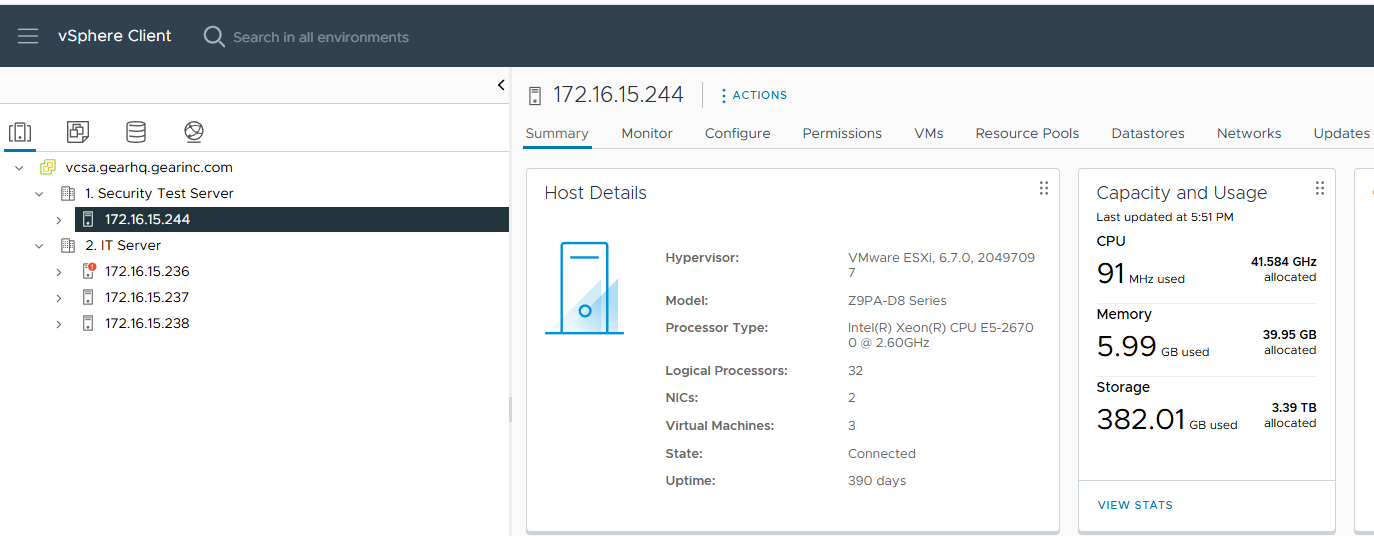
- Log in to the vSphere Client and navigate to the inventory.
- Select a target ESXi host or a cluster where you want to create the VM.
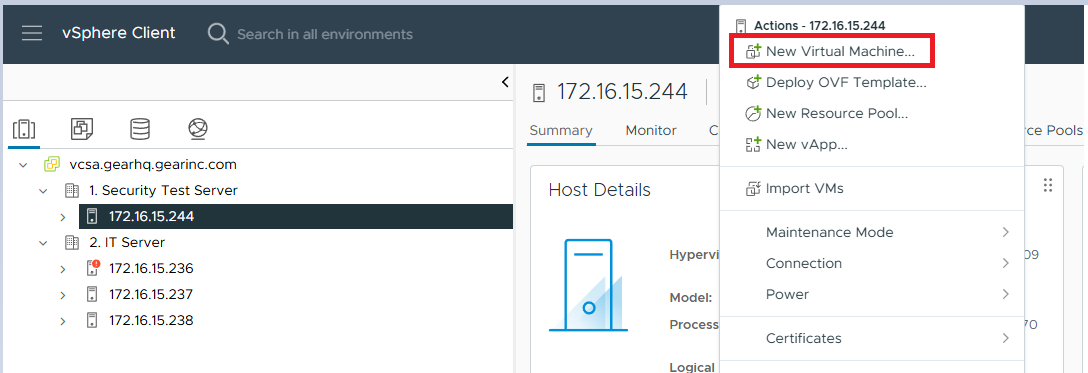
- Right-click the selected host or cluster, and then click "Create New Virtual Machine."
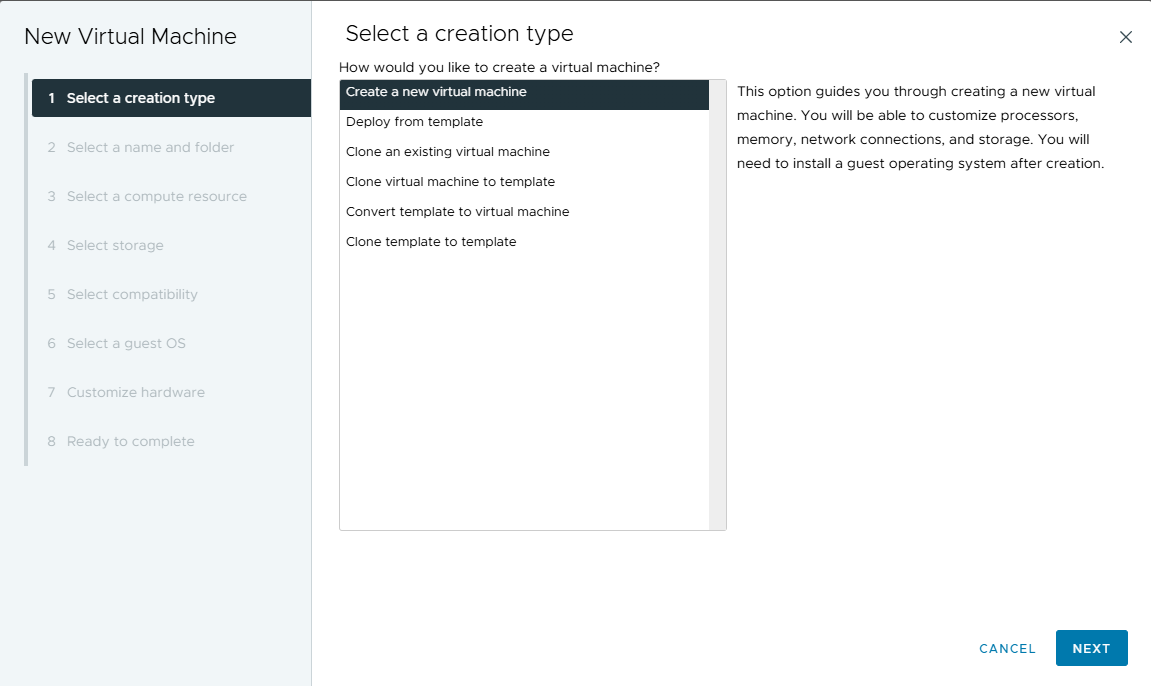
- In the "New Virtual Machine" wizard, select "Create a new virtual machine" and click "Next."
- Enter a name for the VM and select the target data center or folder. Click "Next" to select compute storage.
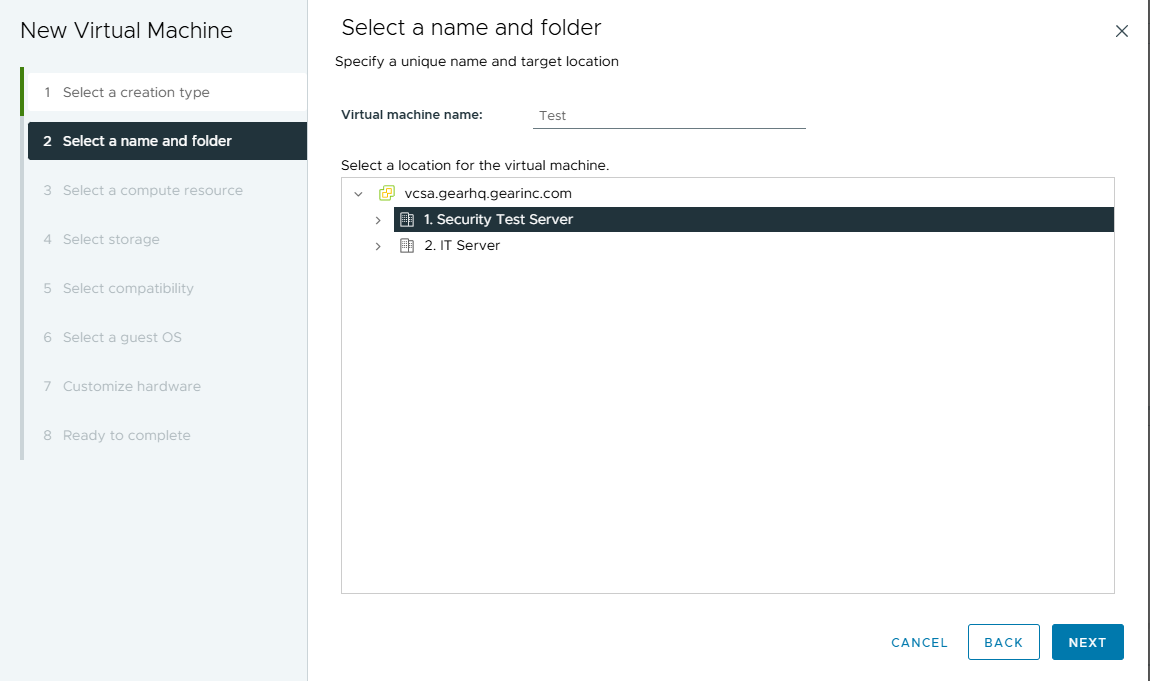
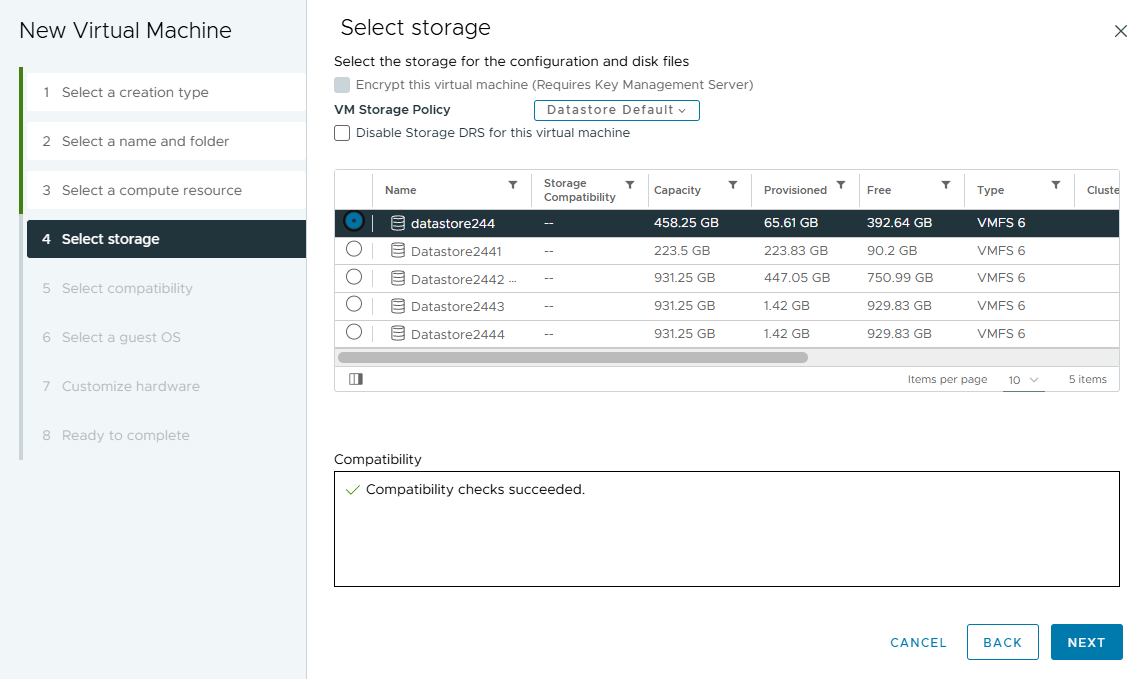
- Select a target datastore to store the VM files and click "Next."
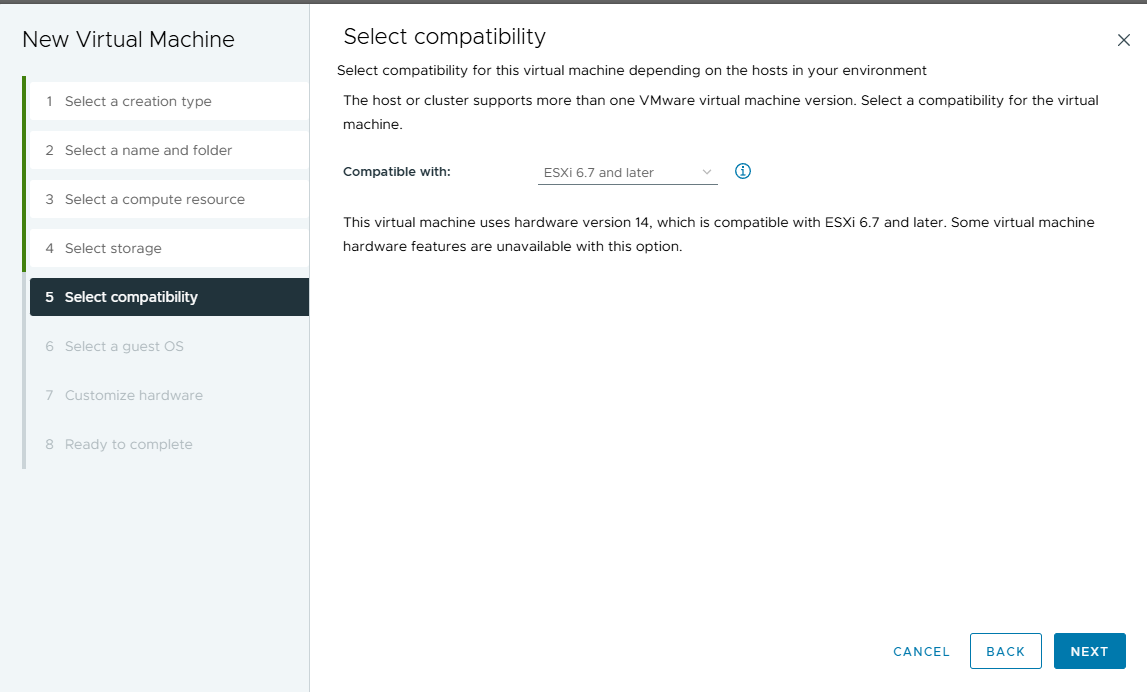
- Select the compatibility level for the VM and click "Next."
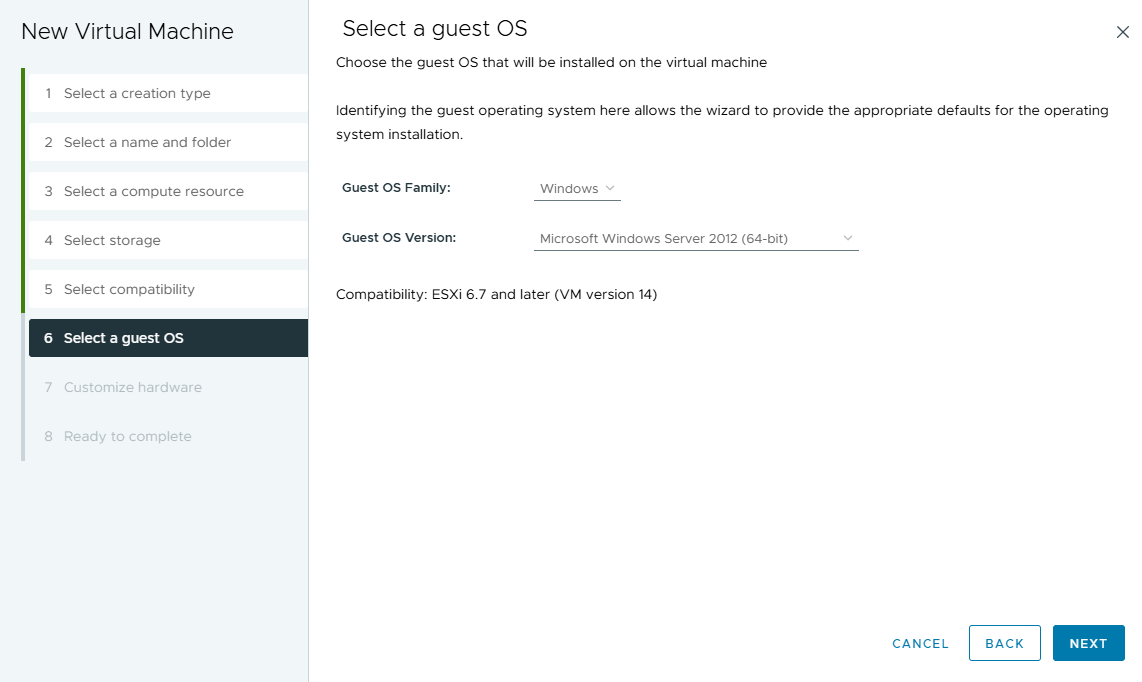
- Choose the guest operating system family and version. Click "Next."
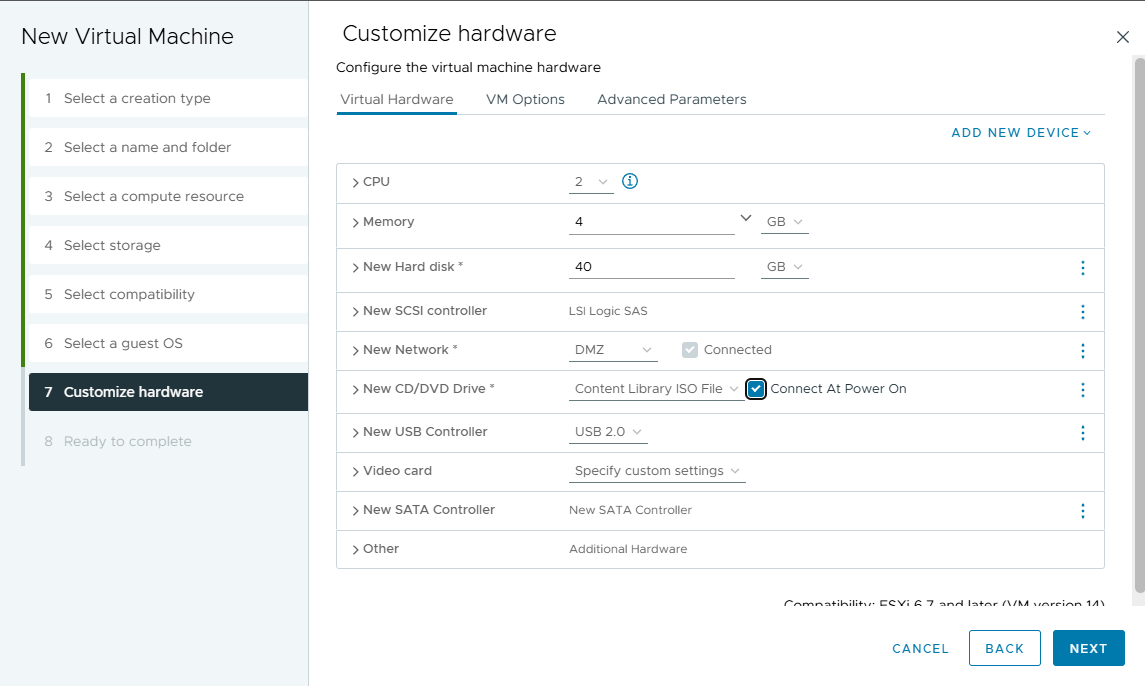
- Customize the VM hardware settings, such as CPU, memory, and disk size, as needed. Click "Next."
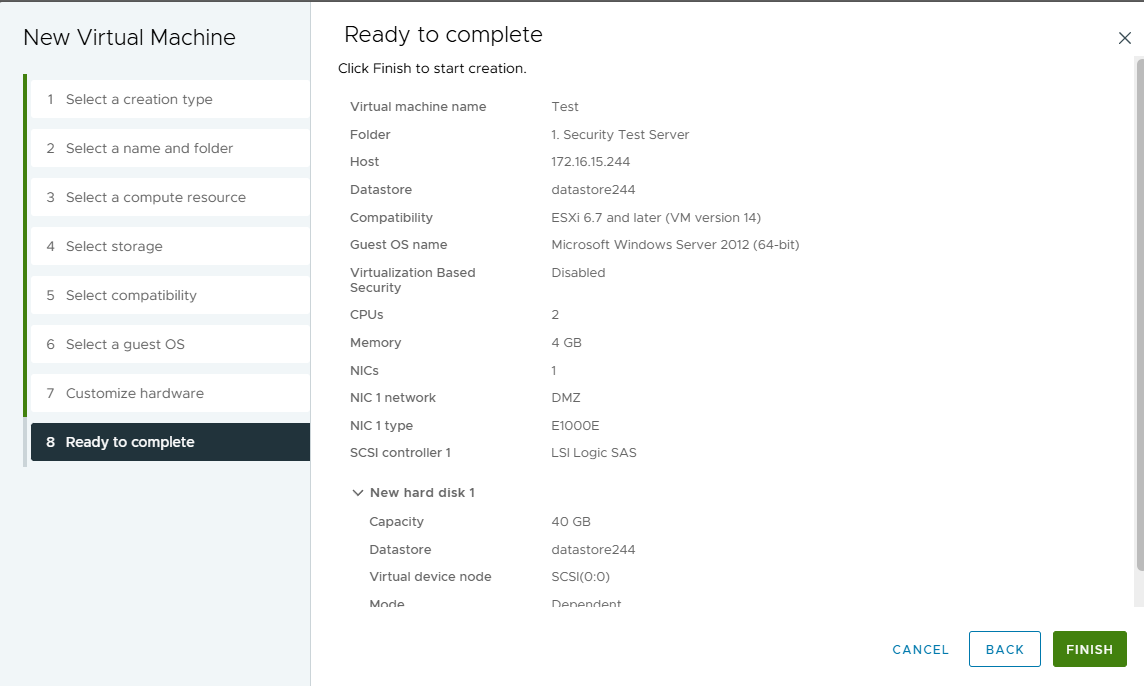
- Review the summary of your settings and click "Finish" to create the VM.