Install Defender
1. First device onboarded:
Onboard devices to Microsoft Defender using the onboarding configuration package that matches your preferred deployment method.
For other device preparation instructions, read Onboard and set up.
Deployment method:
Local Script
https://drive.google.com/file/d/1xjIfBlL1yQ3j23jJzCfcfbXQHM2NZwJr/view?usp=drive_link
And run cmd as administrator’s right .
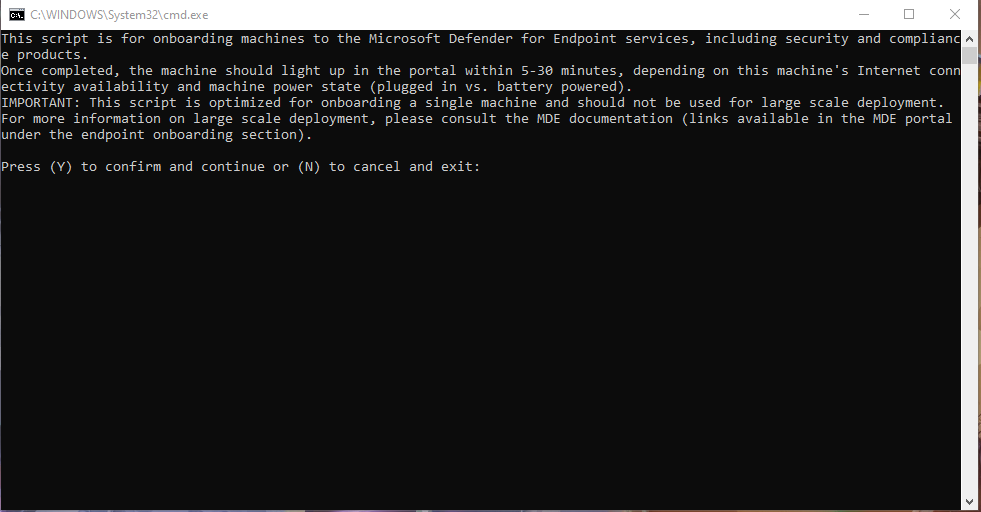
Press (Y) to confirm and continues
2.Run a detection test
First device detection test: Completed To verify that the device is properly onboarded and reporting to the service, run the detection script on the newly onboarded device:
-
Open a Command Prompt window
-
At the prompt, copy and run the command below. The Command Prompt window will close automatically.
powershell.exe -NoExit -ExecutionPolicy Bypass -WindowStyle Hidden $ErrorActionPreference= 'silentlycontinue';(New-Object System.Net.WebClient).DownloadFile('http://127.0.0.1/1.exe', 'C:\\test-WDATP-test\\invoice.exe');Start-Process 'C:\\test-WDATP-test\\invoice.exe'
If successful, the detection test will be marked as completed and a new alert will appear in few minutes.