WAF Whitelisting
Use Custom List and WAF to allow access only from GearGames's IP
Request:
- The website must be pointed to Cloudflare and in Proxied mode by one of the following two ways:
- The website can be accessed normally
Custom list
Access Manage Account >> Configurations >> Lists >> Create list with a custom name geargames
WAF
Access Websites >> geargames.net >> Security >> WAF >> Custom Rule >> Create rule with a custom name only allow geargames
For example, if you want to protect the domain asset.geargames.net and status.geargames.net
If incoming requests match…

Field: Hostname  | Operator: contains  |  Value: **asset**
And
IP Source Address | is not in the list | **geargames**

Or

Field: Hostname  | Operator: contains  |  Value: **status**
And
IP Source Address | is not in the list | **geargames**
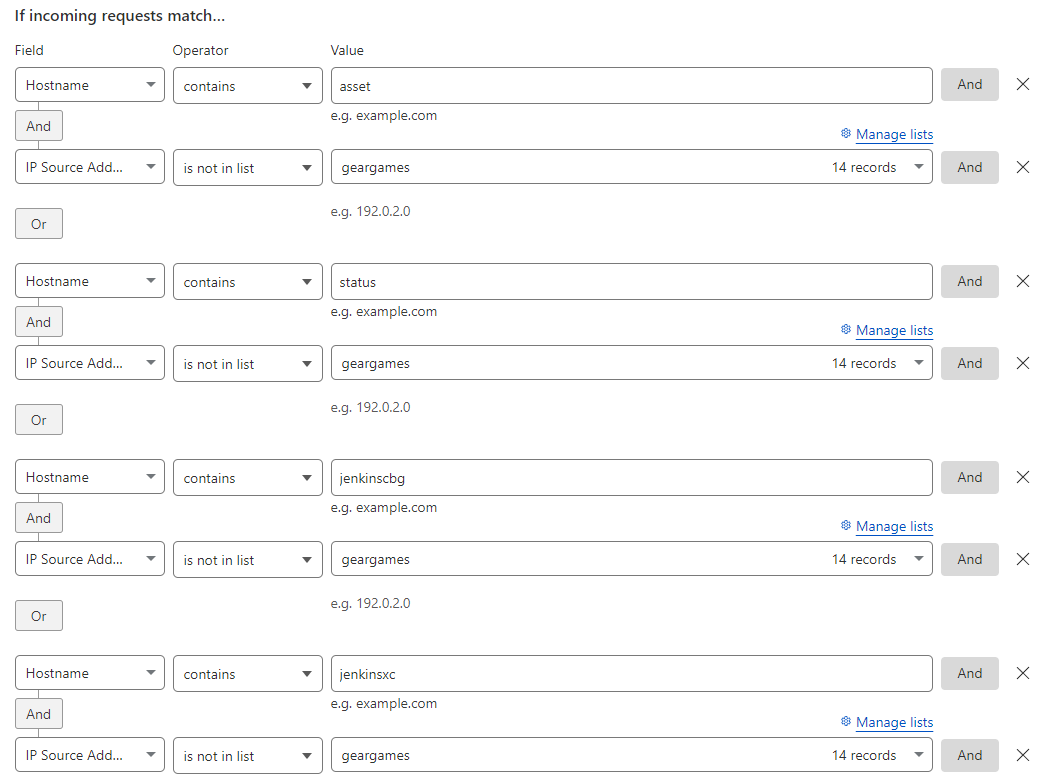
Do the same if you want to protect other websites and note to use only this rule without creating new rules
Result
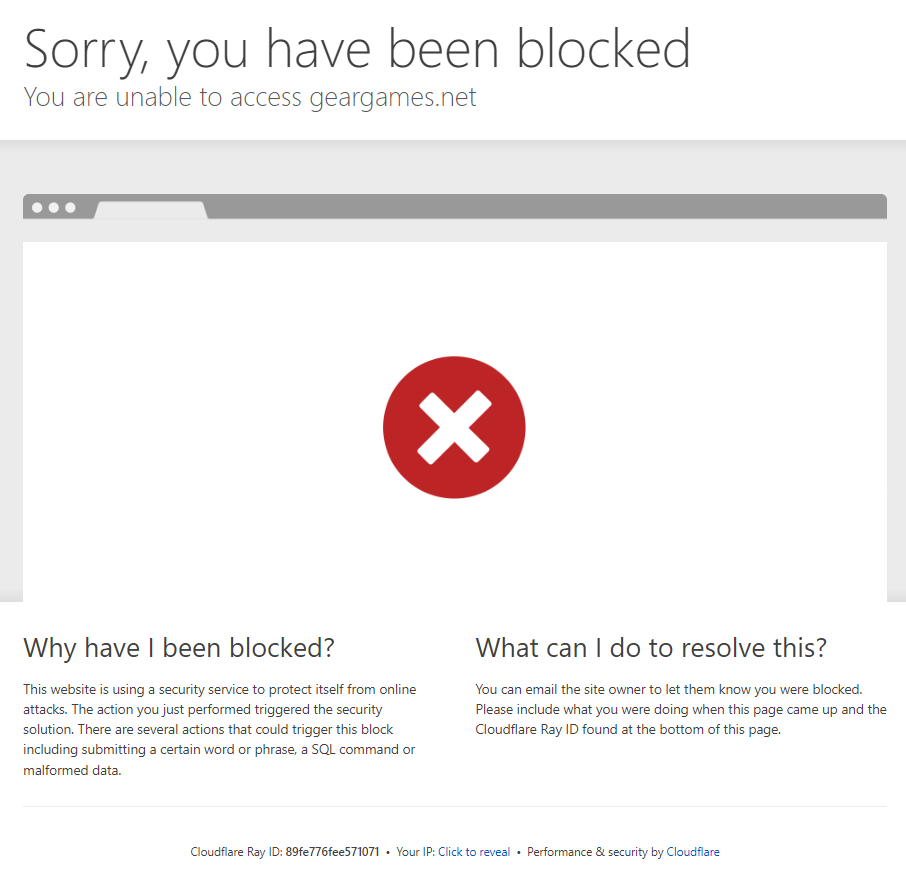
If the accessing IP is not in the geargames list, access will be blocked as shown below