Escrow Buddy
Smart Group: "Active Macs without a valid FileVault key"
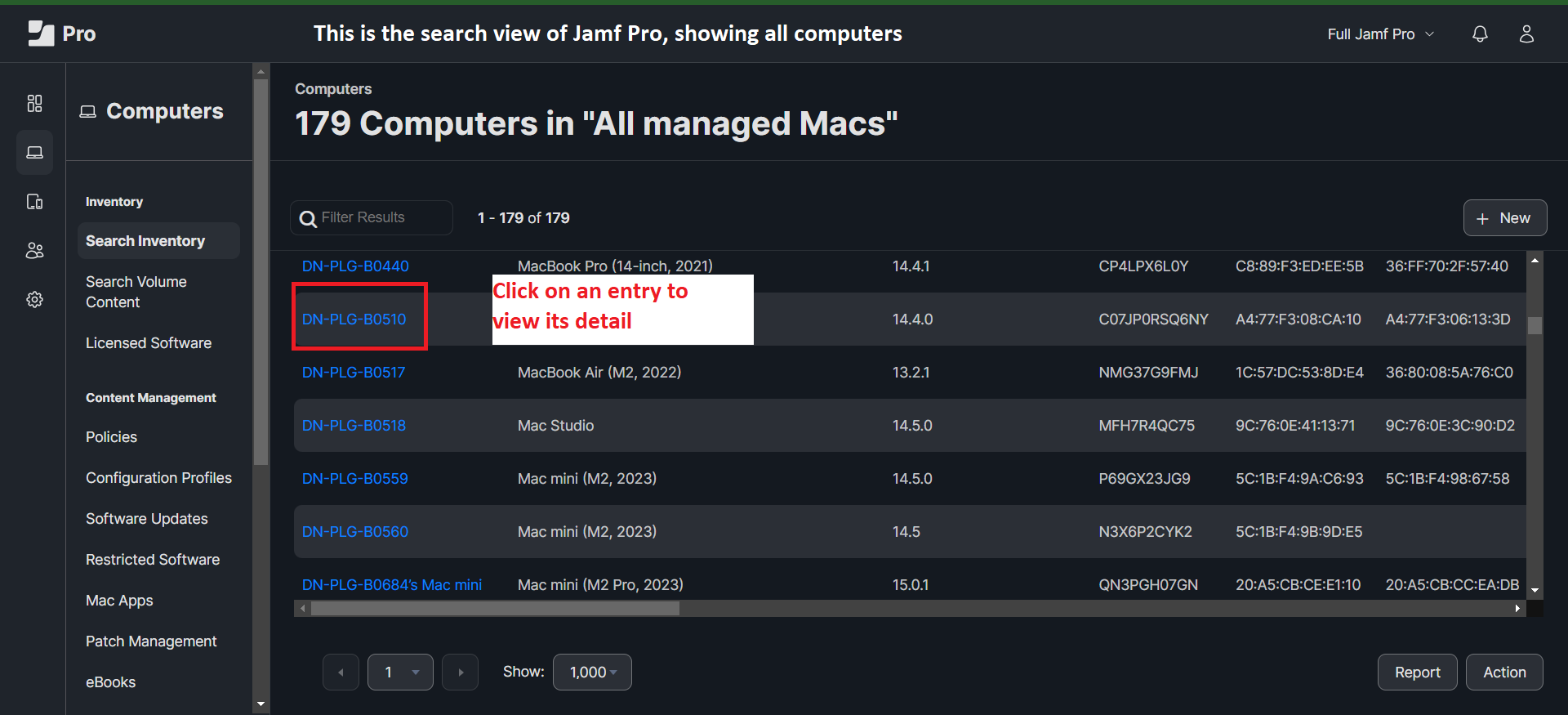
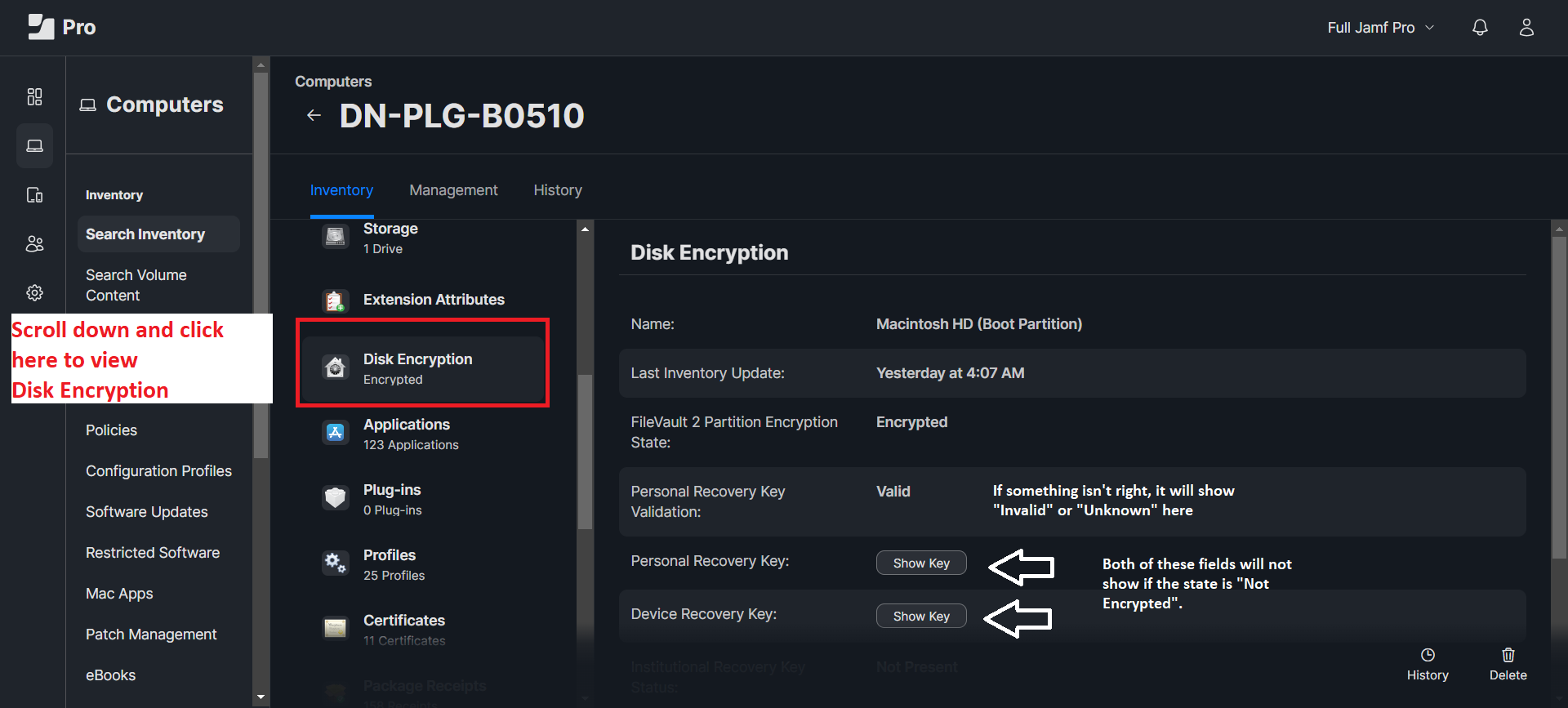
This Jamf smart group identifies all Macs that do not have a valid FileVault key stored in the Jamf database. To verify, open any device in Jamf, navigate to the Inventory tab, and check under Disk Encryption. If the FileVault 2 Partition Encryption State shows "Not Encrypted," one of two scenarios is likely:
- The machine has remained inactive in IT's possession for an extended period.
- The machine belongs to a user who has been working remotely (WFH) for a long time with minimal direct interaction.
Currently, Jamf enforces FileVault activation after the user logs into Jamf Connect and sets their FileVault password, ensuring the device remains secure.
Common Errors of Escrow Buddy
In a standard scenario, when the FileVault Personal Recovery Key (PRK) is successfully returned to the Jamf database, the Personal Recovery Key Validation field will display as "Valid." Additionally, a Personal Recovery Key field with a "Show Key" button will appear, allowing secure access to the PRK.
If the Personal Recovery Key Validation field shows "Invalid" or "Unknown," the Personal Recovery Key field will not be visible, indicating that Jamf cannot display the key. This often occurs if the machine is restarted immediately after enrollment, preventing Jamf from completing post-enrollment installation tasks, which can take up to 30 minutes. You can confirm Jamf has finished the process when both the Jamf Connect window and the Self Service app appear, or by finding them in Launchpad if not visible.
In rarer cases, even without a restart, Jamf Connect and Self Service may not be installed due to underlying issues between Jamf and Apple's systems, which need to support multiple macOS versions. This can also happen if the macOS version is outdated or if a recent upgrade caused compatibility issues.
To resolve these issues, run the following three commands:
sudo jamf manage
sudo jamf policy
sudo jamf recon
Once you've confirmed that both Jamf Connect and Self Service are installed successfully, restart the device and have the user log in again. Afterward, run the following command to update the PRK in the Jamf database:
sudo jamf recon
Alternatively, you can wait for Jamf's daily inventory update and verify the PRK afterward.
How to Display Escrow Buddy Logs
In addition to the common issues mentioned above when using Escrow Buddy, users may experience other problems that prevent the PRK from being updated in the Jamf database. To troubleshoot and identify the specific error, you can view the Escrow Buddy logs on the user's machine by running the following command:
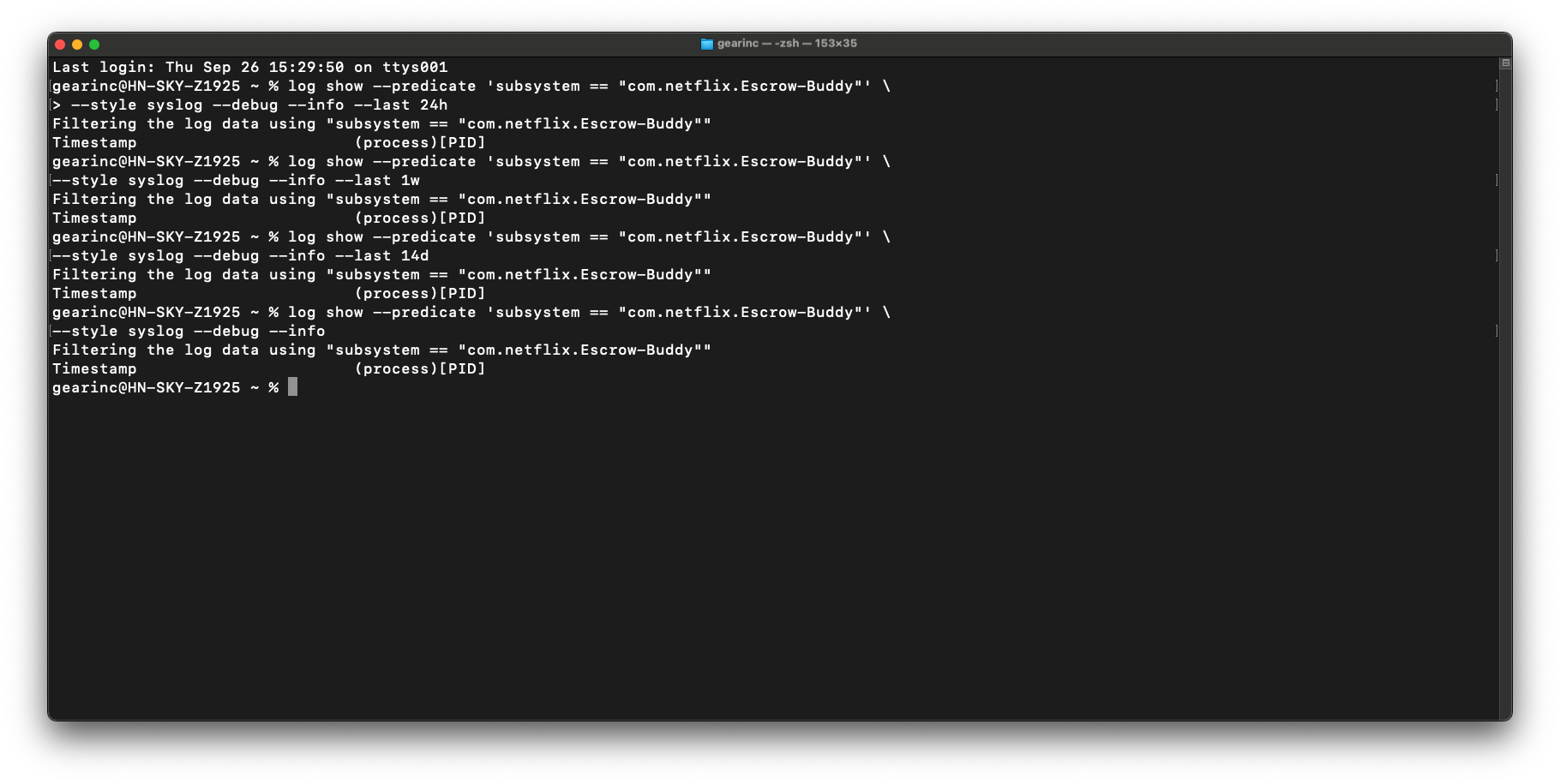
log show --predicate 'subsystem == "com.netflix.Escrow-Buddy"' --style syslog --debug --info
The above command will display all Escrow Buddy logs to date in the Terminal. To view only the logs from the past 24 hours, you can include the argument --last 24h as follows:
log show --predicate 'subsystem == "com.netflix.Escrow-Buddy"' --style syslog --debug --info --last 24h